Find a place
Search by city, by state or by destination, or browse state by state.
See how to search
 Išči
 Brazilija
 Antarktika
 Argentina
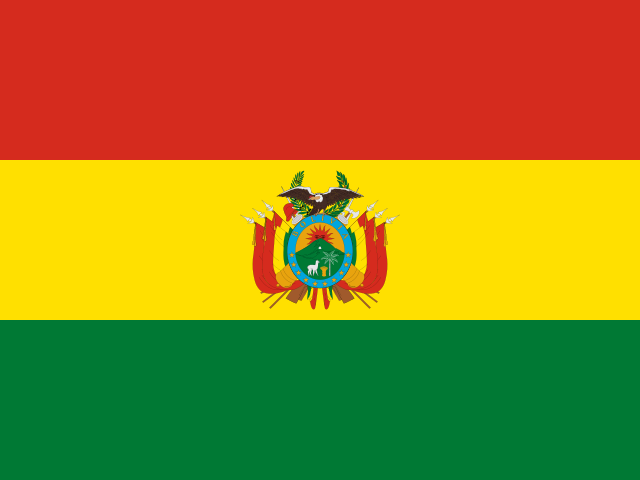 Bolivija
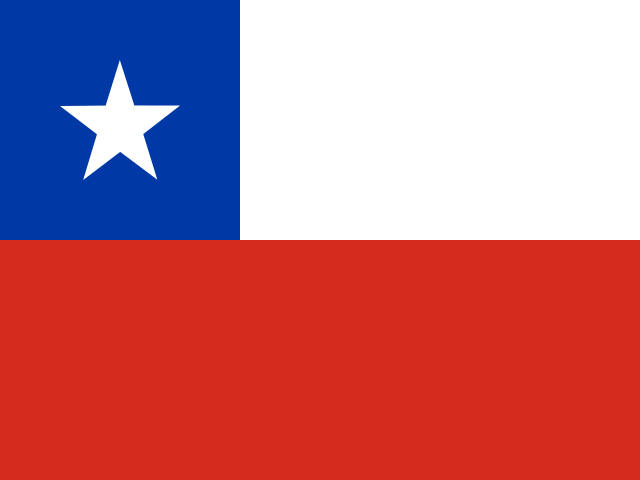 Čile
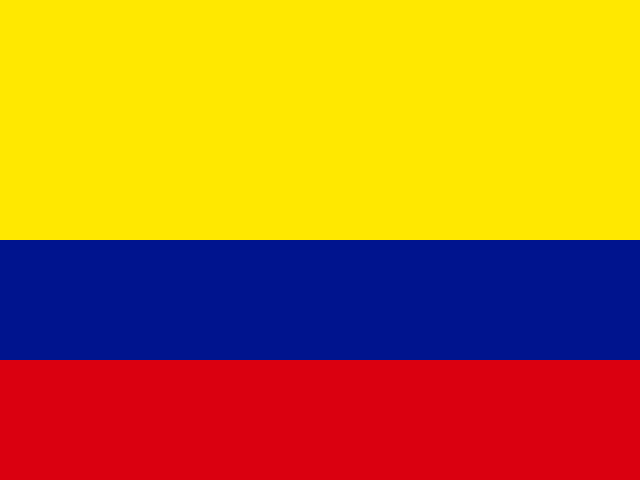 Kolumbija
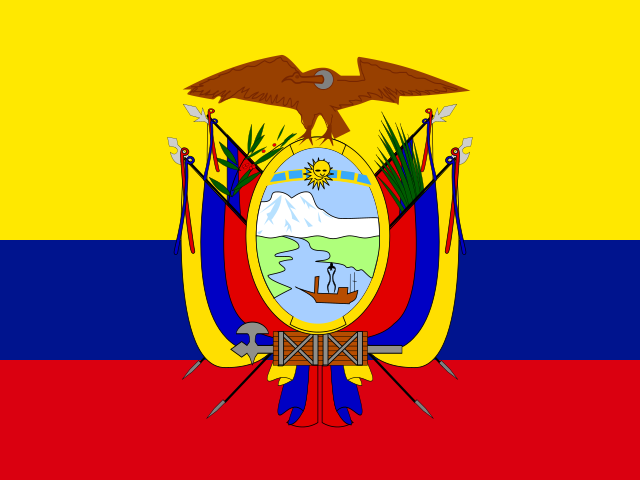 Ekvador
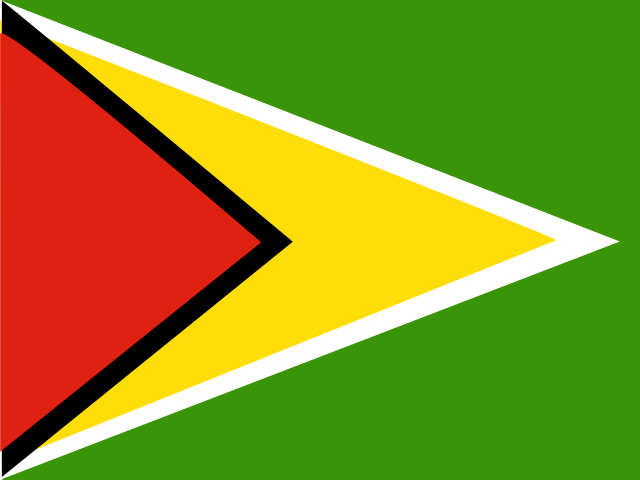 Gvajana
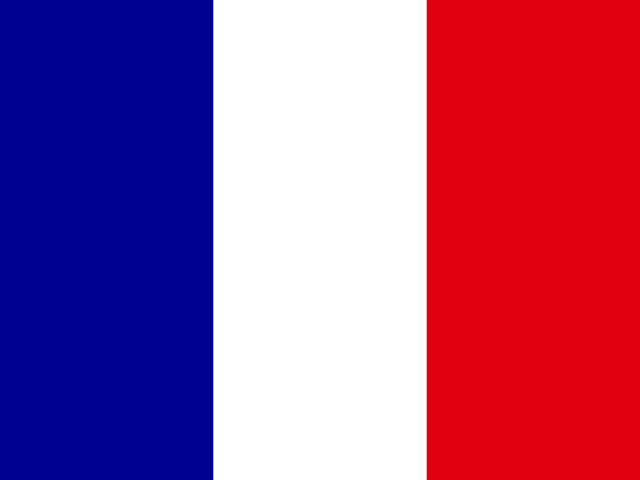 Francoska Gvajana
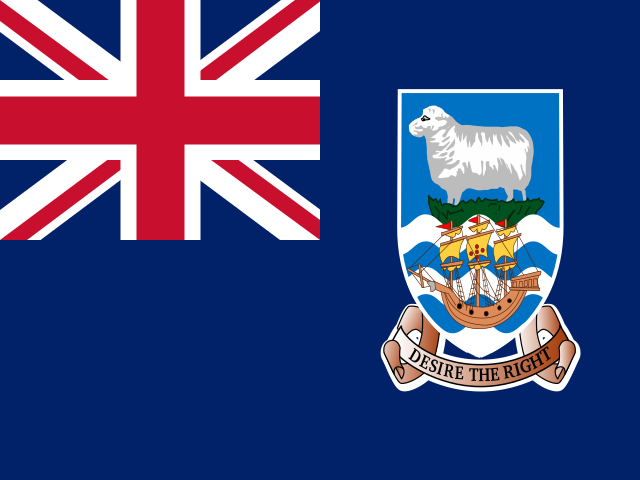 Falklandski otoki (Malvini)
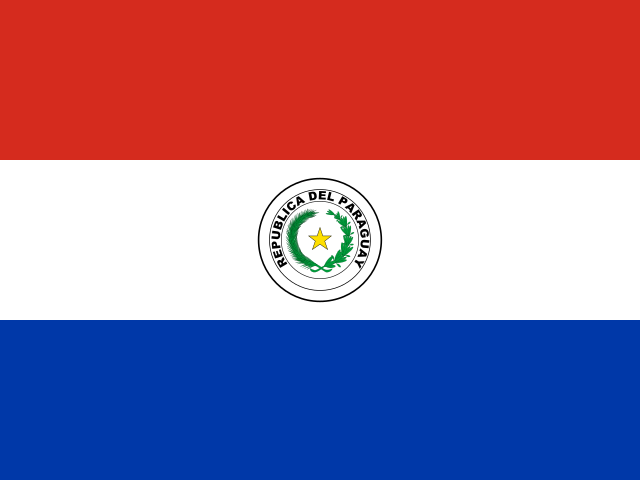 Paragvaj
 Peru
 Surinam
 Urugvaj
 Venezuela
 Nemčija
 Avstrija
 Belgija
 Hrvaška
 Danska
 SlovaškaSlovenija
 Španija
 Finska
 Francija
 Grčija
 Nizozemska
 Madžarska
 Irska
 Islandija
 Italija
 Luksemburg
 Norveška
 Poljska
 Portugalska
 Združeno kraljestvo
 Češka
 Švedska
 Švica
 Turčija
 Bermudi
 Kanada
 Združene države Amerike
 Grenlandija
 Mehika
 Saint-Pierre in Miquelon
 Dominikanska republika
 JaponskaTurčija
 Južnoafriška republika
 Egipt
 Avstralija
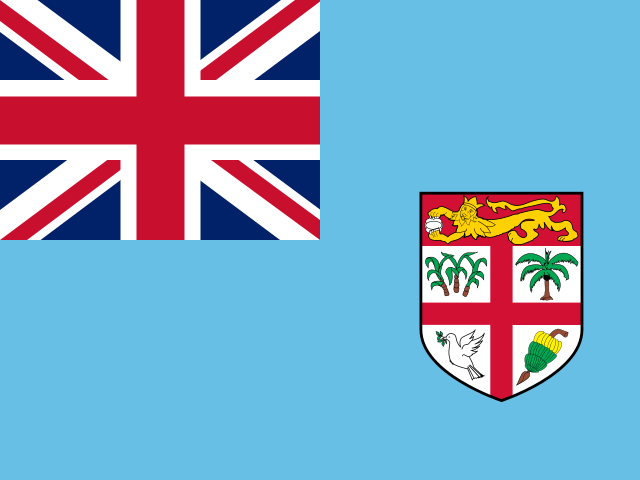 Fidži
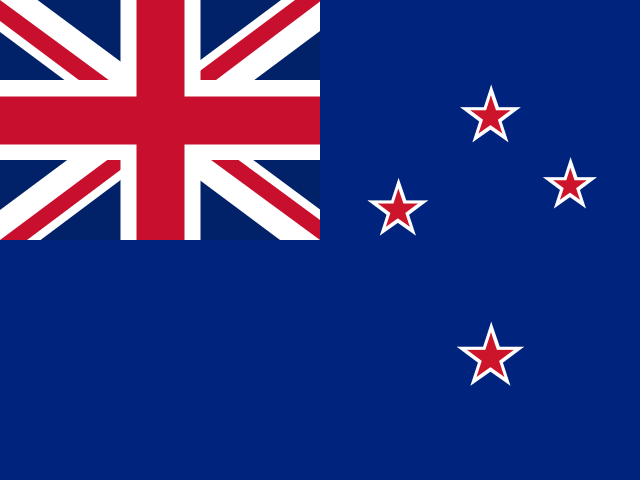 Nova Zelandija
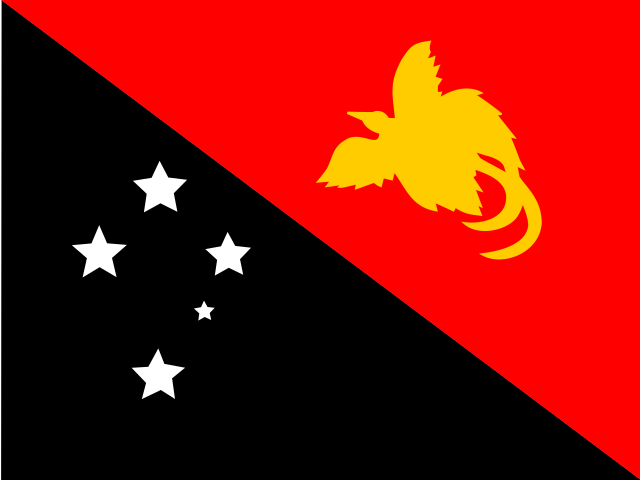 Papua Nova Gvineja
Slike so ilustrativne. Podobe v vodniku so ilustracije, ustvarjene po resničnih krajih. Ker niso fotografije, se lahko v podrobnostih razlikujejo od dejanskega videza krajev.


How to use
Tap a question to open the answer, or type your question in the field below.
Search by city, by state or by destination, or browse state by state.
See how to search
In each city, the Your trip tab shows airports, the bus station and the distance to the capital.
See what's in the city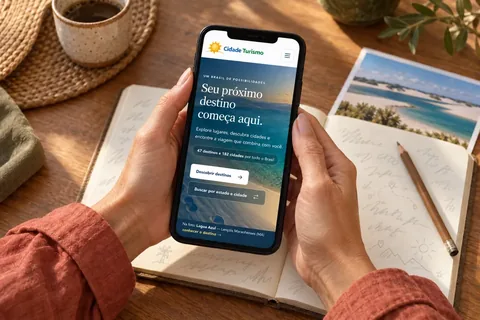
With an account, you save and like destinations, cities and attractions, and come back to them when you're planning.
See how to saveWe didn't find anything about that here.
Try another word or, if you prefer, write to us.
No. A destination is a place that can bring together several cities and is presented by what you can experience there. The Costa Verde, for example, brings together Angra dos Reis, Paraty and Mangaratiba. In Belgium, Bruges and the coast brings together Bruges, Damme and Ostend.
Each city in the destination has its own page, with what to see and the trip information.
A route is a named tourist journey, recognised by the state, by the region or by those who travel it, such as the Estrada Real or the Rota das Falésias. It links cities and destinations in a set order, and the journey itself is part of the trip.
Each route has the map, the legs between the cities, how many days to set aside and the best time to go. See the routes in the guide.
Type the name of a route, a destination, a state, a city or an attraction in the search field. Suggestions appear as you type.
If you prefer to browse, use the menu: Routes, Destinations or States and cities. Outside Brazil, the menu uses the country's own divisions, such as provinces or regions.
On the States and cities page, 12 cities from the guide are featured. The selection changes every day, so you can discover places you might not have thought of.
The guide grows destination by destination, and each city comes in along with the destination it belongs to. The English guide also grows as we translate each destination. New places are added often.
If you'd like to suggest a city, write to us.
Yes. The same guide, organized the same way into routes, destinations and cities, covers countries on every continent, in Portuguese, Spanish and English.
Each country has its own address, and the list is in the flag selector at the top of the page and on the map on the About page.
Use the flag selector next to the logo, at the top of the page. Countries are grouped by continent: choose a country to open its home page, or the continent to see its countries, routes and flavors.
Because each country has its own divisions, and the guide uses the local ones: provinces in Argentina and Belgium, regions in Chile and France, districts in Portugal, departments in Uruguay, autonomous communities in Spain.
In destinations with more than one city, one of them appears first, with a golden badge. It's the city we suggest as the gateway: it usually has the easiest access and is a good base to start the trip.
It's a suggestion. You can start with any city in the destination.
The introduction to the destination, an image gallery, the cities that are part of it, things to do, where to stay, where to eat and the practical information for the trip.
Each part only appears when it has content. That's why some destinations show more sections than others.
At the top, a line sums up where the city is: the state (outside Brazil, the province, region or district), the destination and the approximate distance to the capital. State capitals carry the Capital badge.
How to get there lists the nearest airports with scheduled flights, with the distance to the city, and the bus or train station. Where you arrive by boat, the pier appears.
They are approximate, measured by road. They give you an idea of the journey.
Flights and bus schedules change. Check with the airline or the bus station before you travel.
The tab only appears once there's content to show. Nobody needs to open an empty screen.
Places to stay and restaurants are being added to the guide little by little, city by city.
No. Cidade Turismo doesn't sell accommodation or tours. You talk directly to the place to stay, through the contacts shown on its page.
The pictures in this guide are illustrations based on the real place, not photographs, and may differ from it. Photos sent by travelers are shown separately, as travelers' photos.
The details are in the terms of use.
Cidade Turismo reviews its information regularly, but something may have changed. Check with the place before planning your trip.
The seasons shown are the most usual ones; nature doesn't always follow the calendar. Whales, full lagoons and waterfalls depend on the season and on each year's conditions.
On country, route, destination, city and attraction pages, and on the Flavors pages and each specialty's page, tap WhatsApp. The link goes out with the picture of the place in the preview.
On the destination, city and attraction pages there is the invitation Traveler, share your experiences through photos. You need to be signed in.
Choose where the photo was taken (the city or an attraction), pick the photos and adjust the crop: drag to choose the area and use the slider to zoom in or out. You can send up to 5 photos of each place.
Before appearing on the site, each photo is processed to match the guide's style. Meanwhile, only you see it, with the Processing for publication label. Your name does not appear with the photo.
Your photos are in My account, under Travel photos, where you can also delete them.
Each country can have its own Flavors page, with traditional dishes, sweets and drinks. Each specialty represents a city or a region (state, province or district) and has its own page, with its history, ingredients, how it is eaten and pictures. The name stays in the original language.
To open it, tap Flavors in the country menu. On the city page and on the region page, a card shows the local specialty.
At the end of each country's Flavors page, a carousel leads to the neighboring countries that also have one, with a featured specialty from each.
Each country's specialty is drawn every day from the ones on its page. The order of the countries also changes every day, so you can discover flavors you might not have thought of.
At the end of the list on the Flavors page, tap Suggest a flavor. You need to be signed in.
Write the name, pick from the list the city or region in the guide where it is eaten and, if you like, tell us why it represents the place and send a link to a source. We check the sources before adding it, and the suggestion doesn't appear on the website by itself. Your name doesn't appear. You can send up to 5 suggestions a day.
Each country can have its own Festivals and events page, with the festivals and major events arranged by the month they usually take place. Each festival has its own page, with what happens, where it is and when it usually takes place.
To open it, use the Festivals and events card on the country's home page.
The guide shows when the festival usually takes place: the month and the rule for the date. The exact day changes from year to year, so check with the organizers before planning your trip.
On the city page and on the destination page, the Festivals section shows the festivals held there. It only appears when the place has a festival in the guide.
They are the guide's knowledge pages. Interactive maps has tools such as the true size of countries, distances and time zones. Earth and travel explains phenomena such as the phases of the Moon, eclipses and auroras. Antarctica tells what the frozen continent is like.
You reach them through the banners at the end of the guide's pages.
Each one shows where in the guide you can see what it explains: where to see the aurora, the midnight sun, giant tides or a dark sky for stargazing. Tap the place to open its page, with things to do, when to go and how to get there.
When a place appears on a knowledge page, its own page shows the In the sky and on the planet card, which leads to the explanation of the phenomenon.
To read, no: the whole guide is open to everyone.
The account is what makes the guide remember you. With it:
To create one, tap Sign in in the menu and then Create my account. It takes less than a minute.
On a country's home page, tap Save country. On the route page, Save route. On the destination page, Save destination. On the city page, Save city. On an attraction page, Save attraction.
If you don't have an account yet, the website opens the sign-up and, as soon as you finish, goes back to the page with the place already saved.
Everything you saved is in My account, under Saved. To take something off the list, tap Remove from saved.
On country, route, destination, city and attraction pages, on each country's Flavors page and each specialty, and on each attraction card, tap Like to show you enjoyed the place. Tapping again undoes it.
“Likes” help other travelers choose: the number appears on the button. People who liked a place appear in circles next to the button: to signed-in users, with their photo and first name; to visitors, only with their initials.
“Like” requires an account, so each person counts only once. If you don't have one yet, the website opens the sign-up and goes back to the page with the “Like” already marked.
On the sign-in screen, tap I forgot my password and enter the account email. We'll send you a link to create a new password. The link is valid for 1 hour and works only once.
If it doesn't arrive in a few minutes, check your spam or promotions folder. The sender is guia@cidadeturismo.com.br.
In My account, use the Photo, My details and Password sections.
When you change your password, if your account is open on another device, it is signed out there.
At the bottom of the My account page, open Delete my account and confirm with your password.
We delete the account and everything linked to it: name, email, photo, saved places and “likes”. It can't be undone.
Yes. The Android app is on Google Play in almost every country, it's free and it uses the same account as the website. More on the App page.
There's no iPhone app yet: the website works in your phone's browser.
The guide is the same. The app adds fingerprint sign-in, notifications about what's new in the guide, text size settings and pinch to zoom. It remembers the country and language you chose, and Cidade Turismo links open straight to the right page in the app.
Sign in to your account and tap Security in the bottom bar. There you turn the fingerprint on or off, choose the lock when you come back to the app (after 1, 5 or 15 minutes) and can block screenshots.
Fingerprint sign-in needs a compatible device that is already set up in Android. Your fingerprint never leaves your device: Android stores and checks it.
In Android's notification settings, under the Cidade Turismo app. On Android 13 or later, the app asks for your permission the first time.
Tap Size in the bottom bar and choose 100%, 125% or 150%. That's also where you turn on pinch to zoom. Your choice is saved on the device.
No. The guide needs a connection to open. Without internet, the app tells you and shows a button to try again. Your saved places stay in your account, not on the device.
Android 7.0 or later. When there's a new version, Update available appears under the Google Play button: just tap it and update.
Write to us saying which page and what is different. We'll check and fix it.
Več kot vodnik


